Active Steel Fighters codes
About reward amountsPublic code lists disagree on exact Cash and Scrap amounts, so we list the reward type rather than a number we can’t stand behind. The permanent boosts and item rewards match across sources.
How to redeem codes in Steel Fighters
- Open Steel Fighters on Roblox and join any server.
- Finish the tutorial, then walk to the blue Codes machine next to Events. Interact with it to open the Codes panel (E on keyboard).
- Type or paste a code exactly as written. Capitals and numbers matter:
S3CRETC0DEuses the number 3 and zero. - Press redeem, then repeat for the next code.
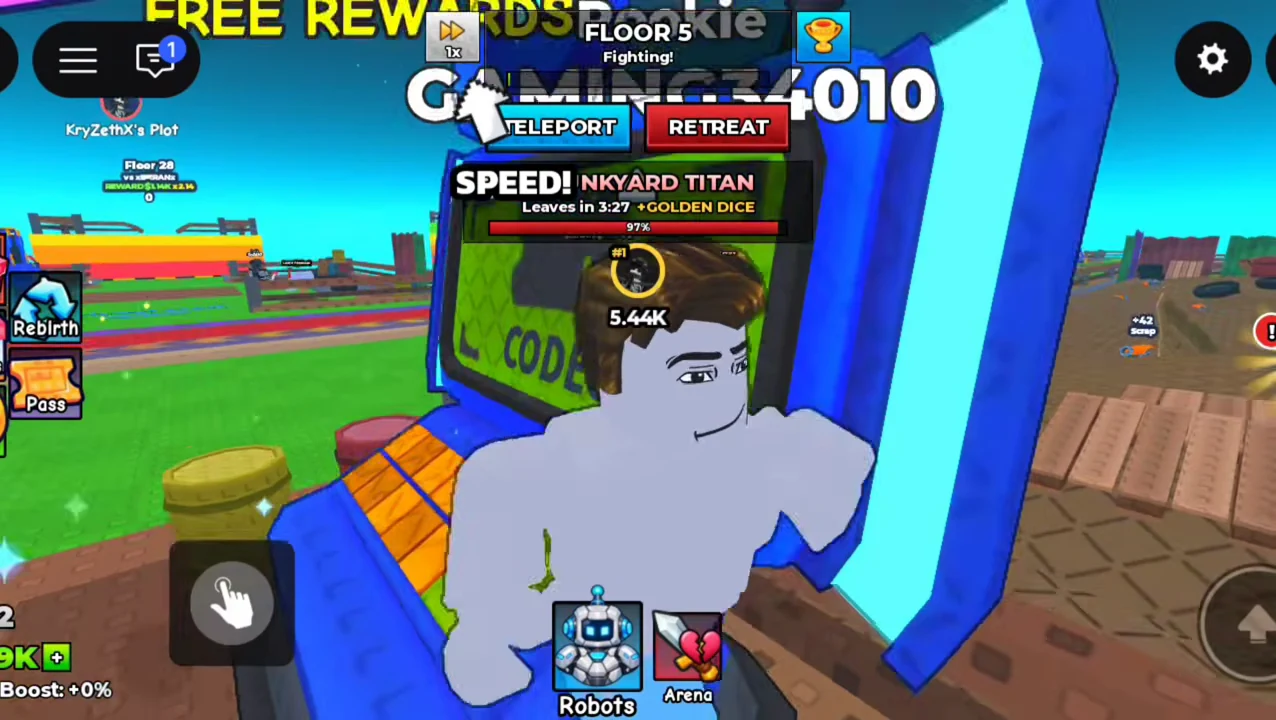
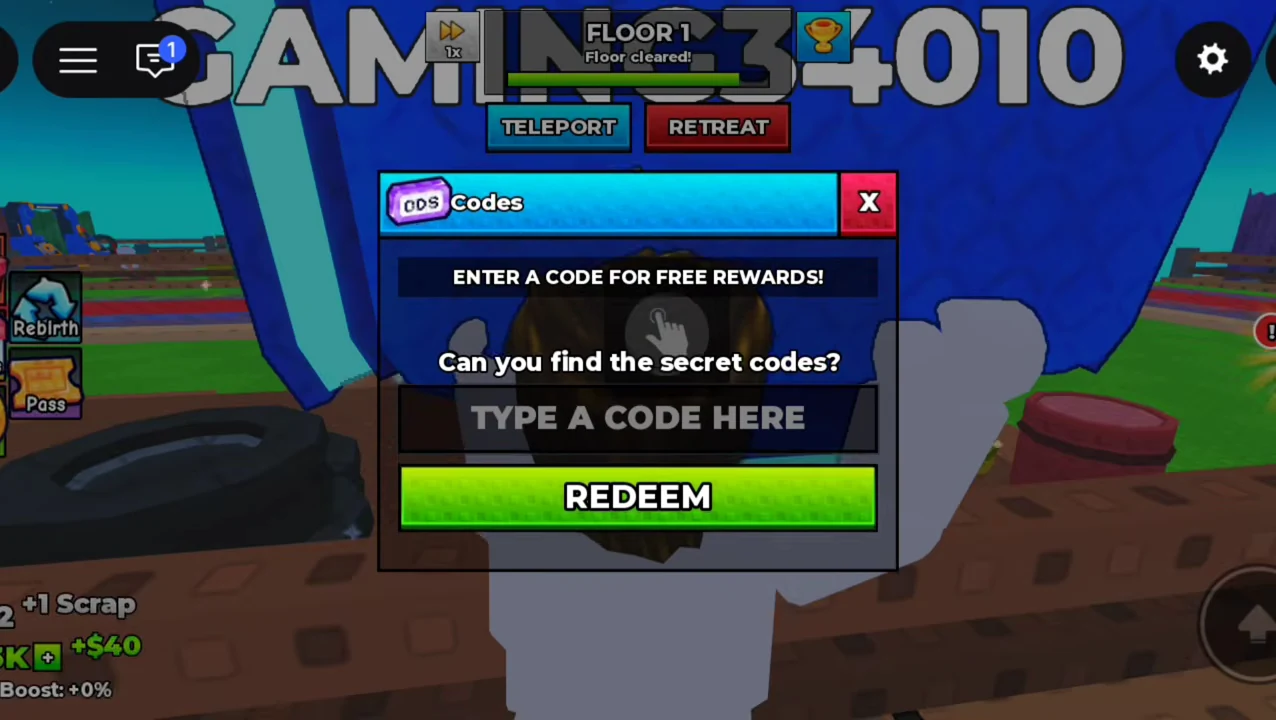
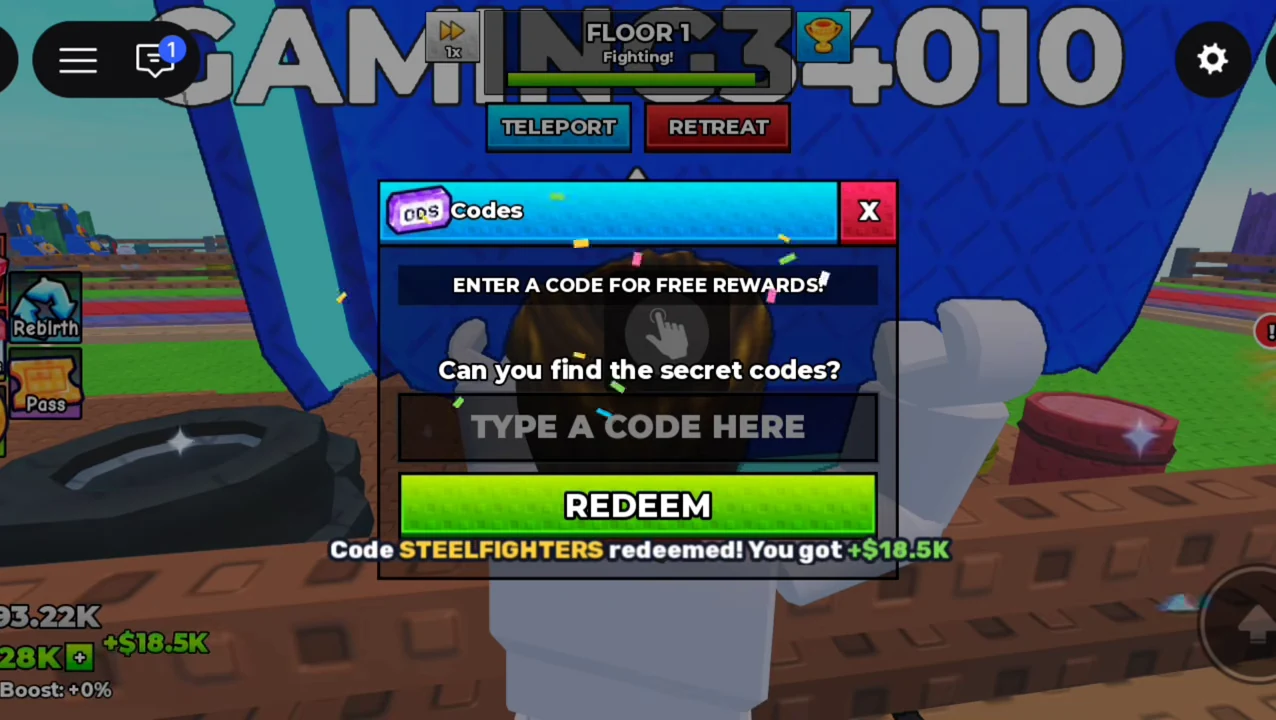
These frames come from a creator’s public gameplay video. They document the recorded interface and successful claim; they are not our own account test or a guarantee that a code is still active.
Code not working?
- Check the characters. Several codes swap letters for numbers (AT0M3, S3CRETC0DE, ULTRASECRETC3DE). Use the copy button rather than typing.
- Each code works once per account. If you already claimed it, the game will refuse it.
- Try a new server. Codes added in an update sometimes only work on servers running the latest version.
- It may have expired. Tell us and we will re-check it; expired codes move to the list below.
Expired codes
No Steel Fighters codes have expired so far. Codes from the launch window (RELEASE, STEELFIGHTERS) are the most likely to go first.
Where new codes come from
Like most Roblox games, Steel Fighters tends to add codes with updates. The official Roblox page and the WeShowProjects group are the first places to look. We re-check this list whenever the game updates. While you are there, join the group and favorite the game: both give free robot rewards on their own.